Turns a guitar or bass recording into sheet music and tab that scroll in time while it plays, so you can read along and learn the part. Start with a ready-made lesson, or bring your own recording, YouTube link or tab PDF. Then change the key, the difficulty or the number of strings and the notes rewrite themselves.
Free, no account. Files you add stay in your browser. It hears a single clear instrument best. How to use it
The player is for reading and practising. Make your own is for turning your recordings, tab PDFs and MIDI files into a chart you can play along with.
Pick a part, then change the key, the difficulty and the guitar. Slow it down and loop any bars.
Open the player →Drop a recording, a tab PDF or a MIDI file, paste a YouTube link, or record yourself. The chart opens in the player.
Upload or record →House of the Rising Sun: notes read from Roland's tab PDF, timed to his recording.
Open the demo →Everything below is generated from note data in your browser. The audio too: a modelled guitar and drums, rendered fresh whenever you change the key or tempo. Have your own song? Make your own →
Move the whole part up or down. The tab re-fingers itself.
Thin the part out while you learn it.
Notation, tab, or the 3D neck where notes fly in.
Strings and tuning. Frets are worked out again for each.
Slow it down to learn it. The pitch stays the same, for the synth and for recordings.
Save the part as it's set now, or share a link with your settings.
Audio, video, a YouTube link, a tab PDF or MIDI. Riffs and leads transcribe best from audio alone; for fingerpicking and chords, add the PDF. Files never leave this page; YouTube links are fetched by our server, then transcribed here. The result opens in the player.
A recording becomes notation; a video gets it laid over the picture. Add the tab PDF too and the notes come straight from the PDF, synced to the recording.
On iPhone, Voice Memos recordings don't show up here: open the memo, tap ⋯ → Share → Save to Files, then choose it. Or use Record yourself below.
Play-along: put the notation under the YouTube video, in time, on your own site →
Plug in or hold your phone near the amp. Play a riff for up to a minute, stop, and it becomes notation.
Uses the instrument and tempo settings on the left.
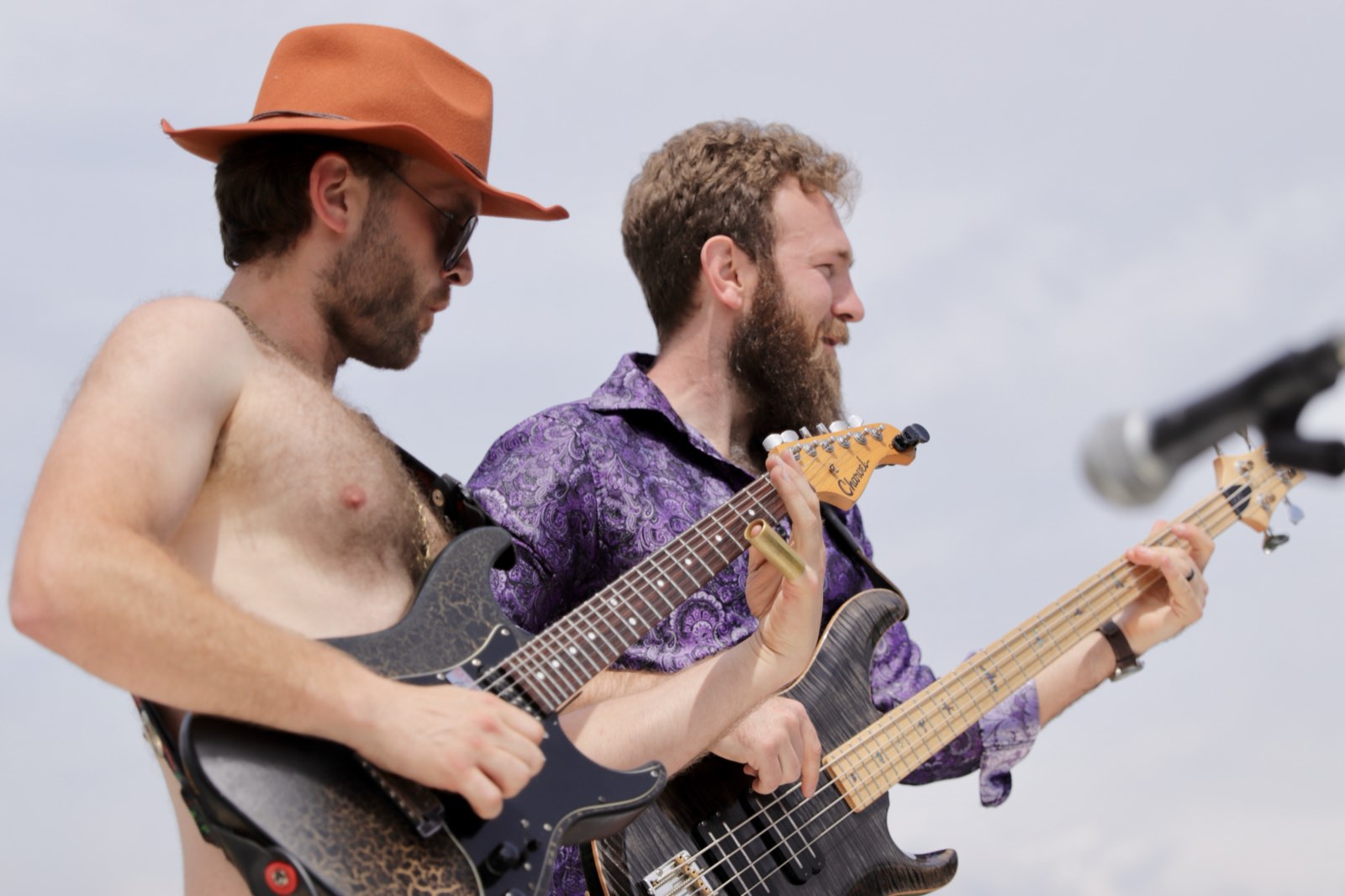
The bass part of six or seven, a 2K Fest house-band original. Separated from the full mix, then transcribed here from audio alone.
Everything runs in your browser. Settings change the chart and the sound straight away, and your view choices are remembered on this device.
Songs and lessons with notation ready to go: open one and it plays in the player, or scrolls under its video. More are added as they're made.
Loading the library…
The notes are data, not a picture, so every view of them can be generated.
Play the part on video. A clean single-note line, or a MIDI pickup if you have one.
Every new note is picked out even while others ring, along with tuning, tempo, time signature and bar one. Have the tab PDF? Its notes are read directly and lined up with the recording.
Transpose, re-finger for 6 or 7 strings, and thin the part to Simplified or Essentials. Each change is a calculation, not a re-write.
The score scrolls over the video in sync, the fretboard lights up, and students can loop any bars.
How this could grow into Roland's lesson business.
Any key, three levels, 6 or 7 strings, loops, tempo, MIDI export. Drop in a video of a lesson and it gets an overlay.
Free previews at Essentials; members unlock Full, every key, and downloads. Built to sit behind Patreon or a simple membership.
A weekly brief on which guitar lessons are taking off on Instagram, TikTok and YouTube, matched against Roland's own analytics, so the next video is the one people want.